Signal bars but no data
2 min read
You are connected to a network, but data is not flowing yet. Check these in order.
1
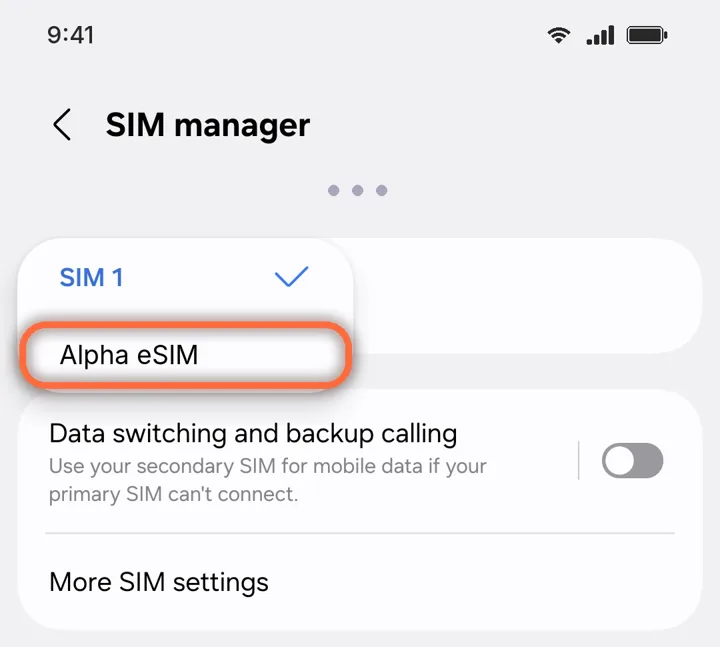
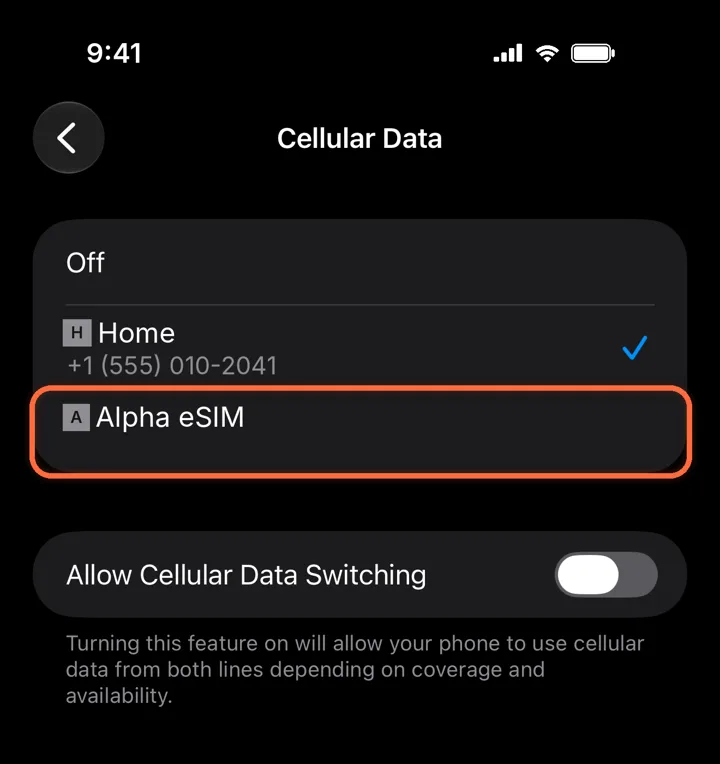
Use it for mobile data
Settings›Cellular›Cellular Data›Alpha eSIM
Pick Alpha eSIM. Leave Allow Cellular Data Switching off so your phone never falls back to your home line.
2
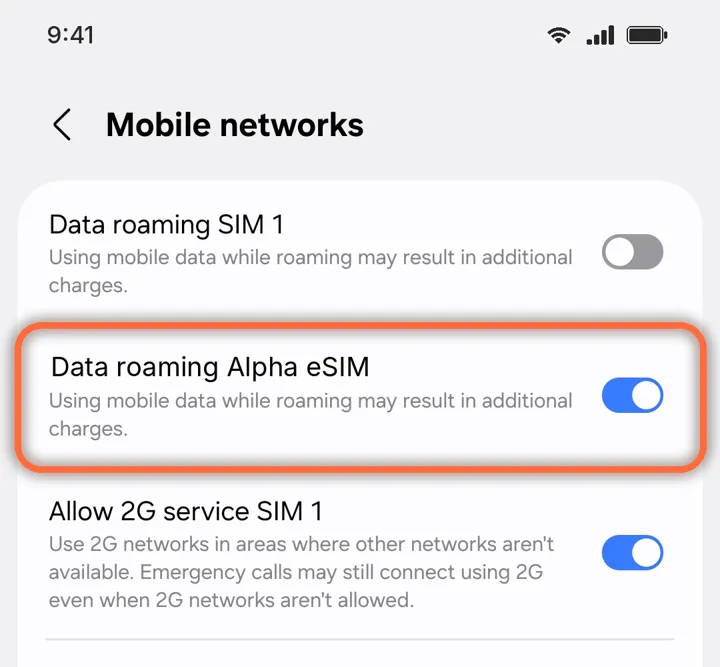
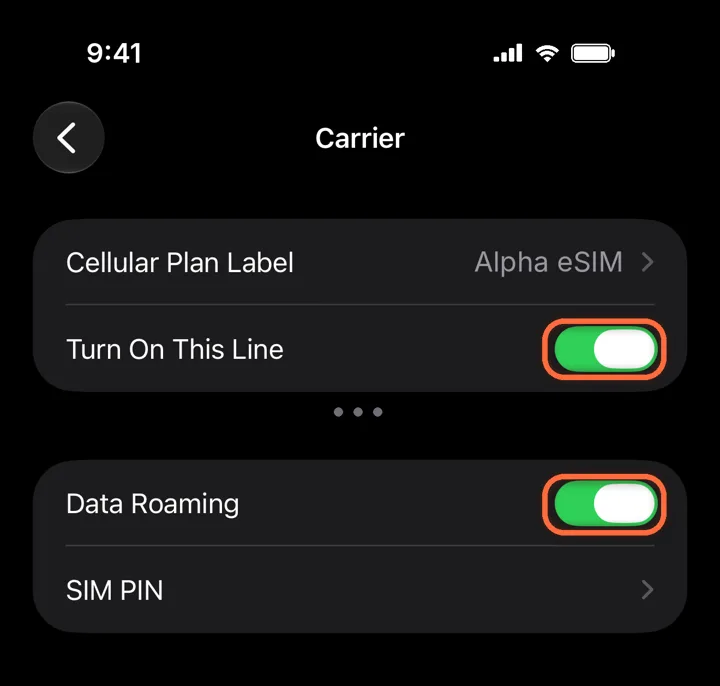
Turn on the line and Data Roaming
Alpha eSIM›Turn On This Line+Data Roaming
Both switches must be green. A travel eSIM always uses roaming, so without Data Roaming it cannot connect.
Roaming is free on Alpha eSIM. Leave Data Roaming off on your home line, so it cannot charge you.
3
Turn off your VPN
Some VPNs block the first connection. Switch yours off until data works, then turn it back on.
4
Toggle the line
Alpha eSIM›Turn On This Line
Switch the line off and on again, or restart your phone. The very first connection can take a few minutes.
Did this help?