“No service” or “SOS only”
Your phone has not joined a partner network yet.
1Airplane mode for 10 seconds
Turn Airplane mode on, wait 10 seconds, then turn it off.
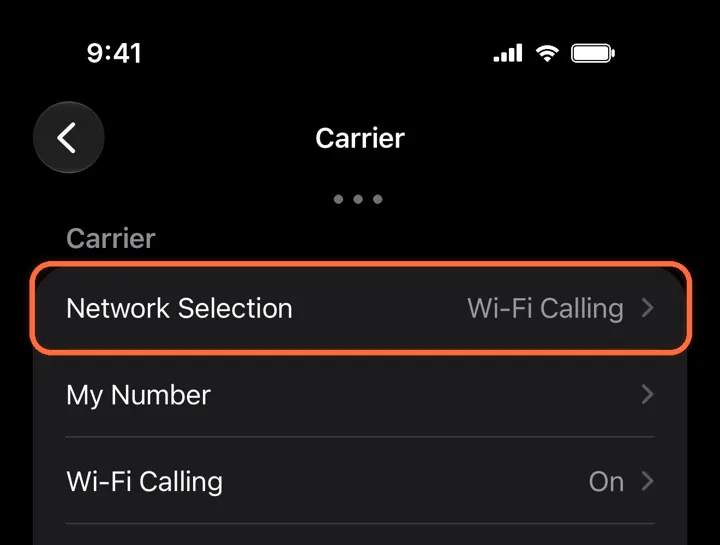
2Pick a network by hand
Alpha eSIM›Network Selection
Turn off Automatic, wait for the list, then choose a network. If one fails, try the next.
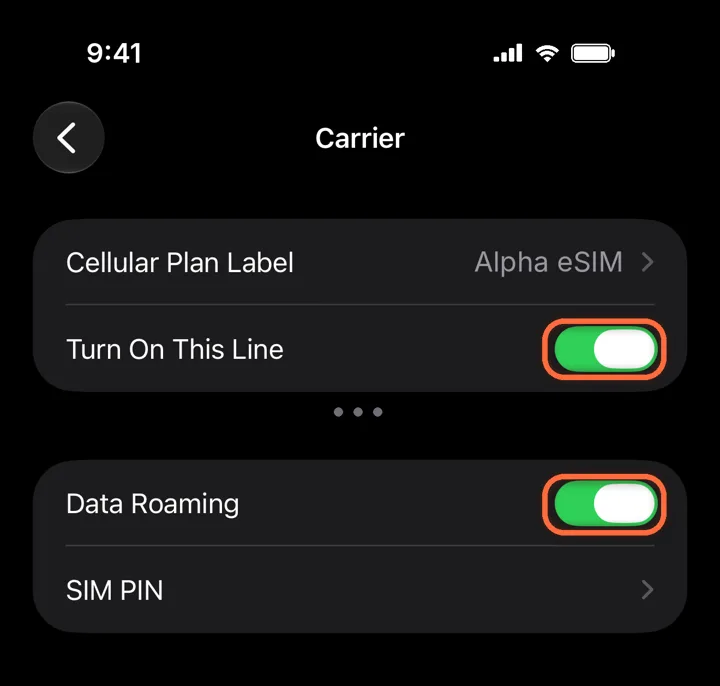
Network Selection3Turn on the line and Data Roaming
Alpha eSIM›Turn On This Line+Data Roaming
Both switches must be green. A travel eSIM always uses roaming, so without Data Roaming it cannot connect.
Roaming is free on Alpha eSIM. Leave Data Roaming off on your home line, so it cannot charge you. Both switches on1Airplane mode for 10 seconds
Turn Airplane mode on, wait 10 seconds, then turn it off.
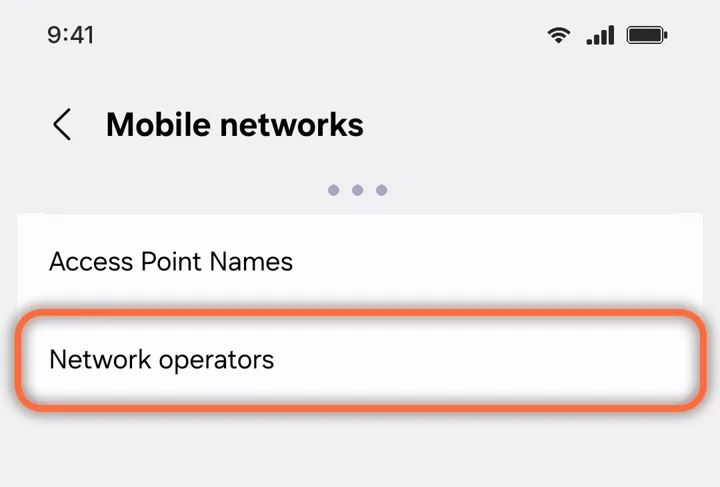
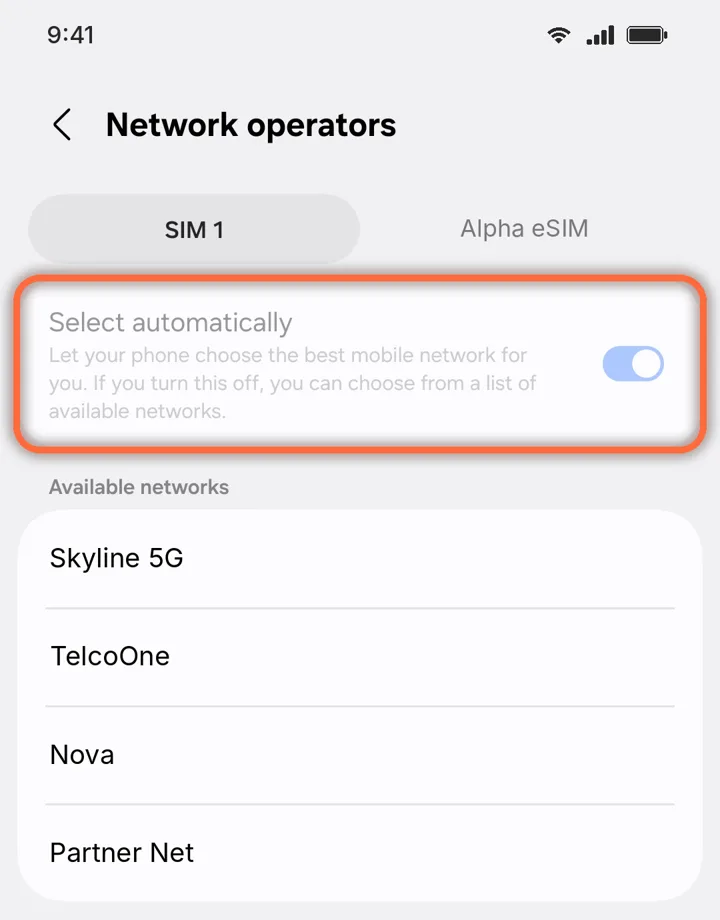
2Pick a network by hand
Settings›Connections›Mobile networks›Network operators
Open Network operators.
Mobile networks3Choose the Alpha eSIM tab
Network operators›Alpha eSIM
Turn off Select automatically, wait for the list, then pick a network. If one fails, try the next.
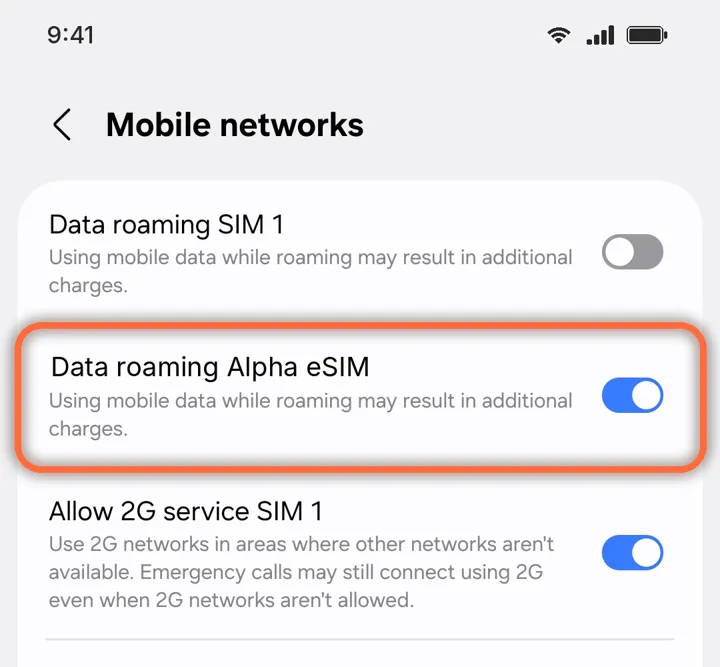
Network operators4Turn on Data roaming for it
Settings›Connections›Mobile networks›Data roaming Alpha eSIM
Switch on roaming for Alpha eSIM only. Leave it off for your home SIM.
Roaming is free on Alpha eSIM. Your home SIM stays off roaming, so it cannot charge you. Roaming on for the eSIM
Did this help?
Great, enjoy your trip.
Sorry about that. A person will help.Contact us