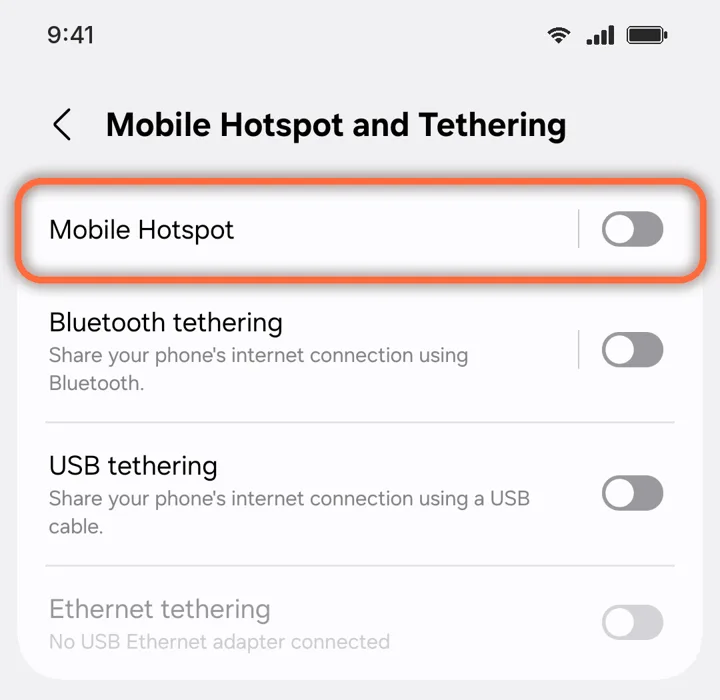
Use your phone as a hotspot
1 min read
Hotspot and tethering work on our plans. Laptops use far more data than phones, so pause cloud backups and updates first.
1
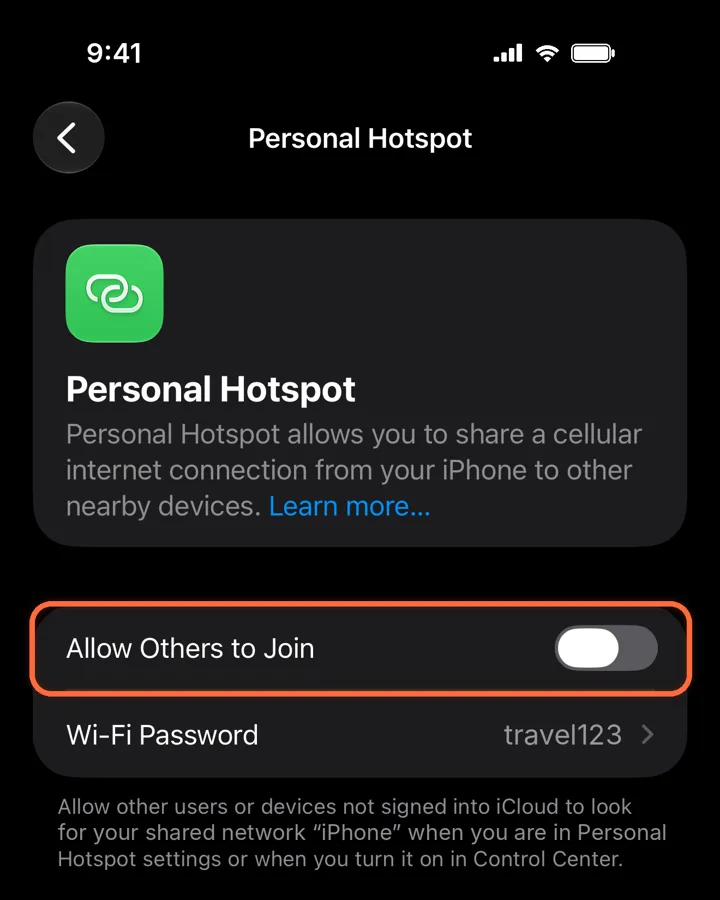
Turn on Personal Hotspot
Settings›Personal Hotspot›Allow Others to Join
Switch on Allow Others to Join. Note the Wi-Fi password, then connect your other device to the network with your iPhone’s name.
Did this help?